
Manage your screens from anywhere.
Change menus, offers and content in a few clicks. No printing, no technical knowledge.
Free plan for one screen.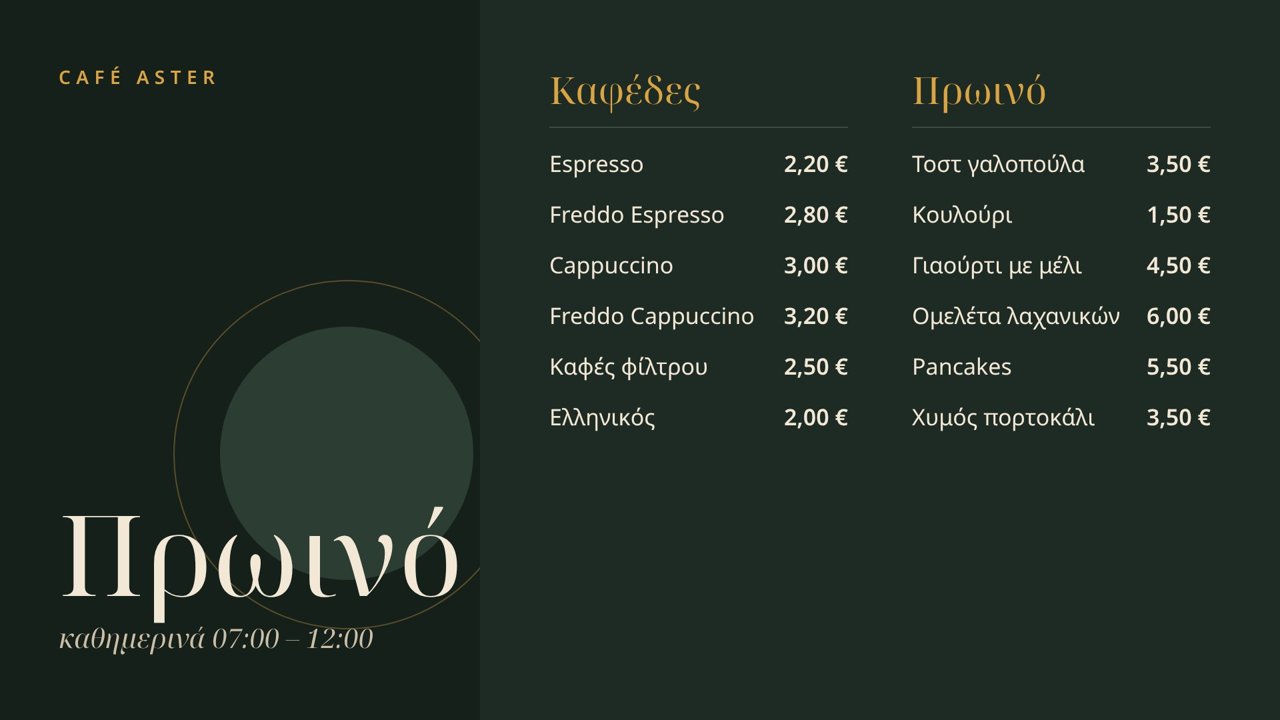
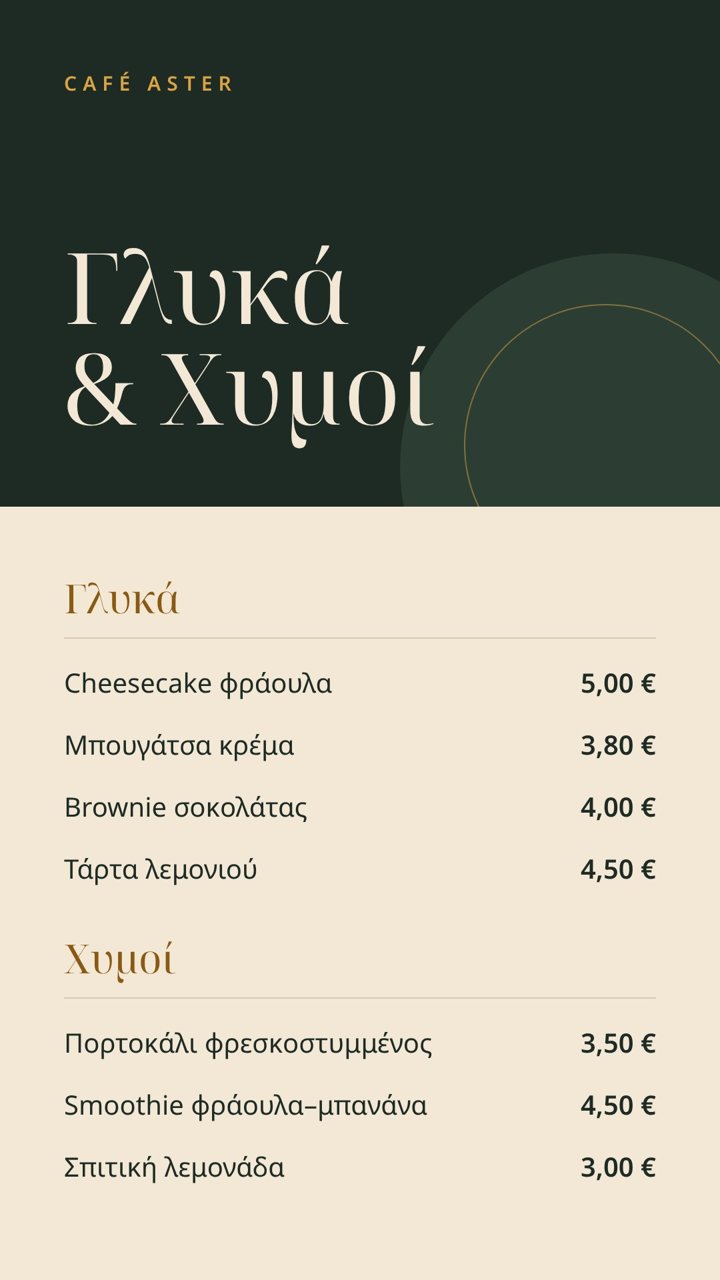
- Restaurants
- Fast food
- Cafés
- Shops
- Hotels
- Events
From your computer to the screen, in three steps.
- 01
Upload your menu
An image or a video, landscape or portrait. Upload it from your computer or your phone.
- 02
Connect the screen
Open the TVMenu app on the TV, sign in with your account and choose a menu.
- 03
Change it whenever you like
Every change reaches the screen by itself. No need to go to the shop.
Everything a screen that works every day needs.
Remote management
Change the content from your browser, wherever you are.
Scheduling
Breakfast in the morning, lunch at noon. You decide what plays and when.
Starts by itself
After a power cut the screen starts and goes on playing without you doing anything.
Works without internet too
If the connection drops, the screen keeps showing the last menu.
QR code menu
Customers scan the code and see the same menu on their phone.
All screens in one place
One account for all the screens of the business.
The same menu, on the screen and on the phone.
Every menu has its own page. The QR code on the screen leads there, with no app and no sign-up for the customer. When you change the menu, the page changes too.
The TV you already have is enough.
The TVMenu app runs on Android TV. If your TV is not Android, an affordable Android stick in the HDMI port does the job. We can also take care of the equipment, the installation and the support.